
L1 · Workforce Design
Digital Worker Design
Design digital employees with roles, skills and task templates. Define the domain, assign skills and version everything from one configuration surface.
How it works
Get started with Digital Worker Design in 6 steps.
Pick a domain
Business area and task family (Legal, Finance, ERP, etc.)
Start a role
Start from a template or design from scratch
Assign skills
Skills, tasks and decision rules
Add context
Role brief, procedure docs, KPIs
Wire the workflow
Process and trigger setup via Agentflow
Publish
Staging → prod via versioning
Capabilities
Three core jobs, one surface.
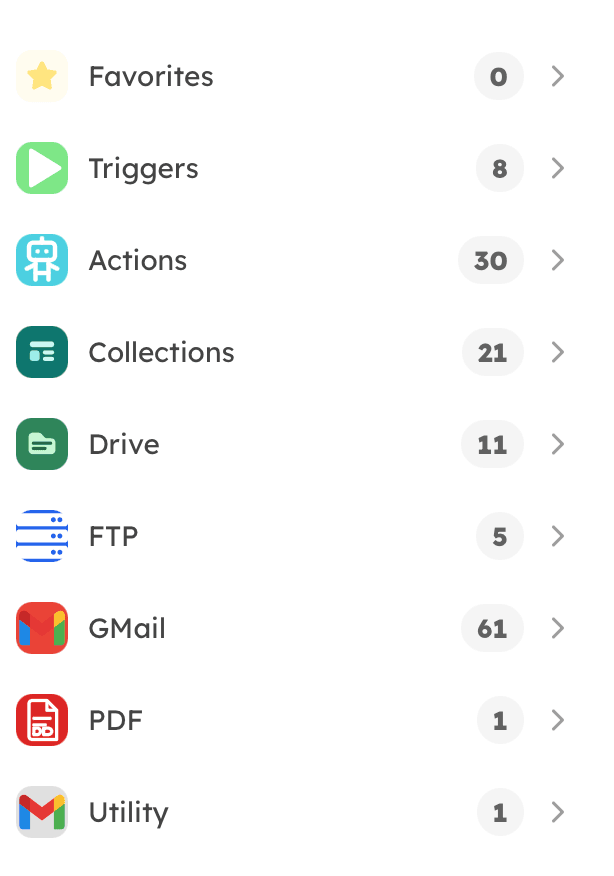
Domain & skill library
Pre-defined skill sets across Legal, Finance, Operations, HR, ERP and Quality domains. Each skill is a building block — composable and shareable.
- 10+ domains, 100+ skills
- Reusable task templates
- Decision rules and guardrails
Versioning & rollback
Every Emploid is a configuration — versioned git-style. Roll back on error, run A/B comparisons. Behavior changes stay auditable.
- Semantic versioning (1.2.4)
- Audit trail — who changed what
- Staging → Production promotion
Yetkinlik eklendi: KVKK Madde 13
Prompt eşik değeri güncellendi
ERP entegrasyonu bağlandı
Production'a yükseltildi
İlk sürüm
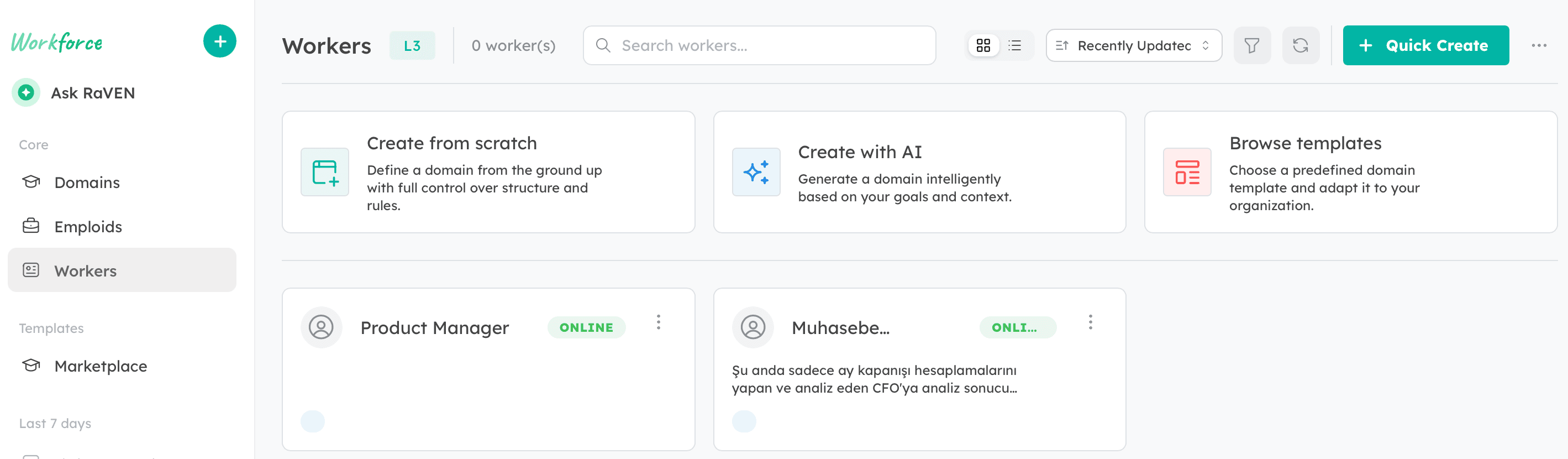
Quick Create — AI role generation
Describe the role in one sentence; Emploid proposes the base configuration. Then add skills and data sources and publish.
- Prompt → role configuration
- Automatic skill suggestion
- 5× faster start with templates
"Aylık satış raporlarını CRM'den çekip yönetime özet PDF gönderen bir dijital satış analisti istiyorum."
Önerilen konfigürasyon
Technical capabilities
Technology powering Digital Worker Design
Integrations
Related
Continue across the platform.
Bring this capability to your processes.
A working prototype in 2 weeks — let's measure and decide together.